From Tab Chaos to Daily Zen: How Dignity Dashboard Became My Digital Command Center
My name is Hemn, and for years I was the queen of browser tab overload. As a remote project manager juggling client calls across time zones, freelance side gigs, stock portfolio tracking, and a never-ending personal to-do list, my Chrome browser was a battlefield. Every new tab meant manually opening Gmail, a weather site, my Notion tasks page, a crypto tracker, news feeds, and at least three different clock widgets for New York, London, and Tokyo. By mid-morning I’d have 30+ tabs open, my laptop fan screaming, and my focus completely shattered.
I tried everything—bookmark bars, separate productivity apps, even fancy paid dashboard tools—but nothing quite fixed the core problem: the new tab page was wasted real estate.
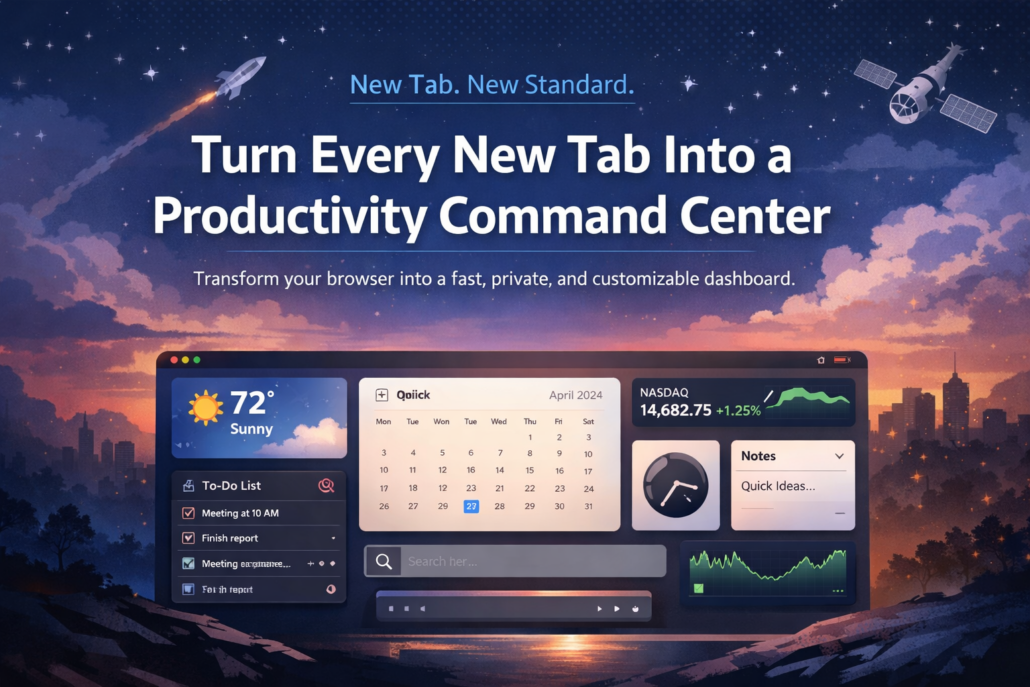
Then, one late-night Reddit scroll, I stumbled across Dignity Dashboard. The Chrome Web Store page promised something almost too good to be true: a beautiful, lightning-fast new tab replacement packed with 23 powerful widgets—weather, tasks, stocks, crypto, clocks, notes, timers, and more—all in one place, with zero ads and total privacy. I figured I had nothing to lose (it’s free to start), so I clicked “Add to Chrome.”
The transformation was immediate.
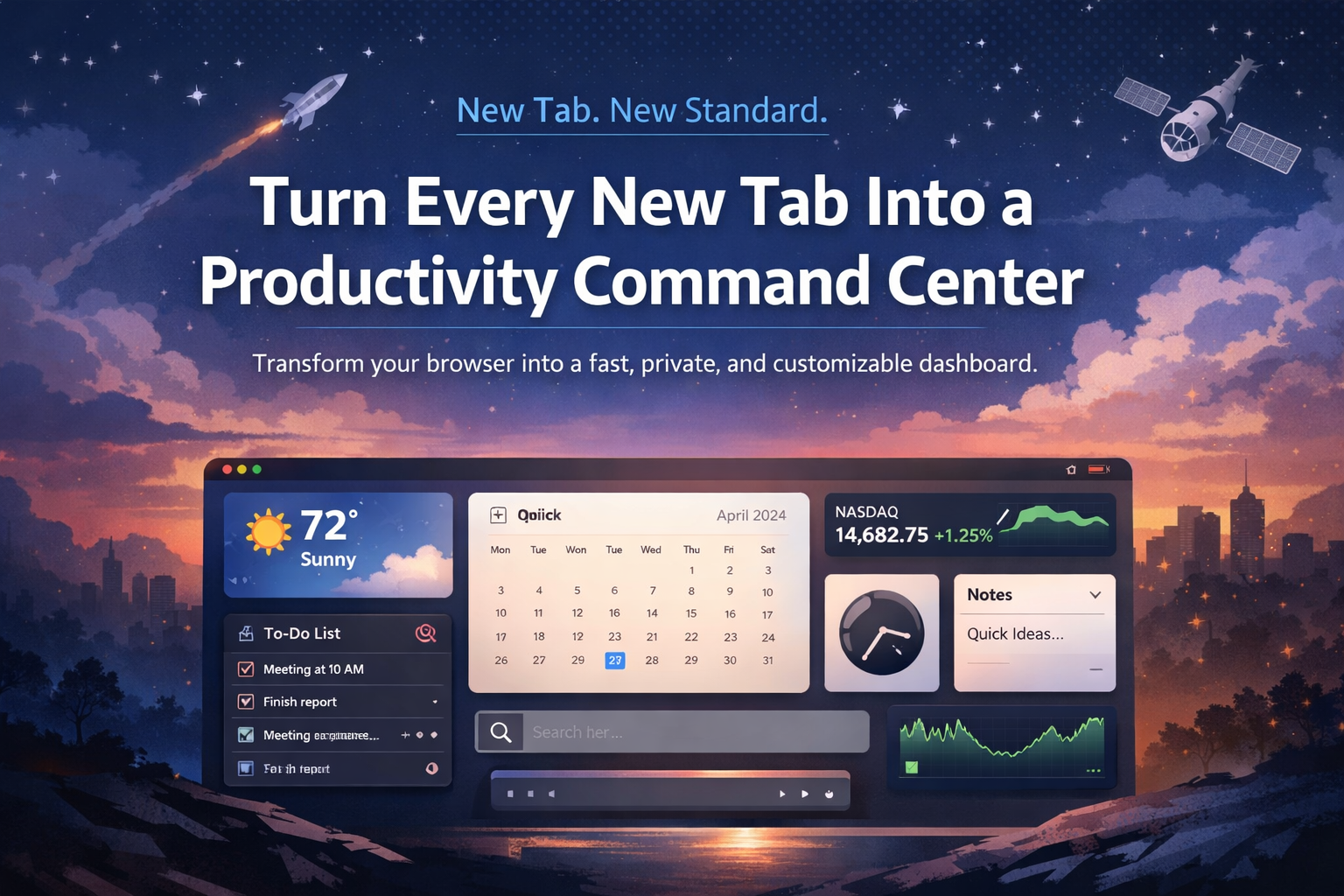
The first time I opened a new tab after installing, I actually said “wow” out loud. A clean, modern dashboard greeted me—gorgeous dark mode (I’m a night owl), current weather with a 7-day forecast, a motivational quote of the day, and a blank todo list waiting for my morning brain dump. Load time? Under 50ms. No lag, no performance hit—my laptop fan finally relaxed.
Within minutes I was customizing. Drag-and-drop widget arrangement is ridiculously intuitive. I pinned:
- Todo List front and center—color-coded priorities, due dates, progress bars, drag-to-reorder. Goodbye, separate task app.
- Stock Watchlist and Crypto Converter on the right—real-time prices, mini charts, 300+ coins supported through ChangeNow. I check my portfolio without leaving the new tab.
- World Clocks and Calendar (I love that it supports Gregorian, Persian, and Islamic calendars) for managing international clients.
- Notes widget for quick rich-text brainstorming—8 color themes, pin favorites, full-text search.
- Quick Links and Shortcuts with auto-screenshots of my most-used sites (Figma, Slack, Notion, banking).
- RSS Reader for my favorite design and tech blogs—unlimited feeds, auto-refresh, OPML import.
- Weather, Today in History, and Quote of the Day for those little moments of inspiration.
- Even the Countdown Timer with confetti explosions when I finish deep-work sessions (yes, I’m that person).
Everything syncs seamlessly across my work MacBook, personal Windows desktop, and even Brave on my tablet. One setup, everywhere access.
The privacy aspect sealed the deal. No tracking, no data selling, no creepy ads. Just my data, on my devices (or securely synced if I choose cloud options like Dropbox/S3 integration). In an age where every free tool wants to harvest your soul, Dignity Dashboard feels… dignified.
Six months later, my average daily tab count has dropped from 40+ to under 10. I’m more focused, less stressed, and—honestly—happier every time I open Chrome. New tabs feel like opening a personal command center instead of a blank void.
If you’re tired of tab chaos, constantly switching apps, or just want a prettier, more productive browsing experience, do yourself a favor: head to dignitydash.com and try Dignity Dashboard. It’s free to start, works on Chrome, Edge, Brave, and Opera, and might just become the best extension you’ve ever installed.
(And no, this isn’t sponsored—I’m just a very happy user who finally found browsing peace.)